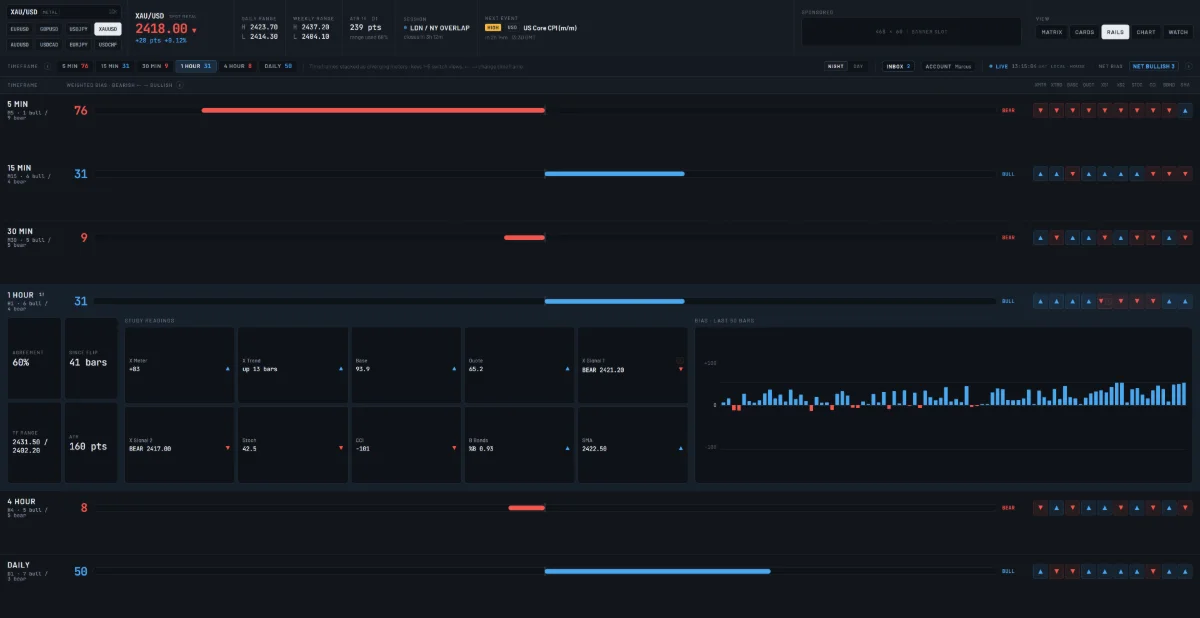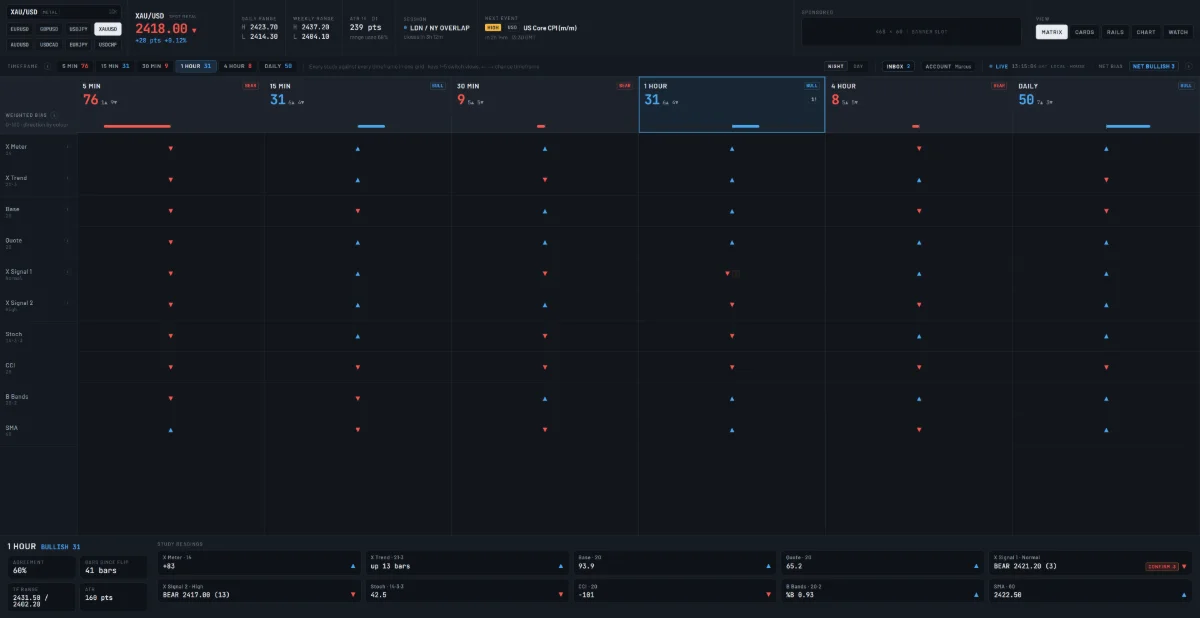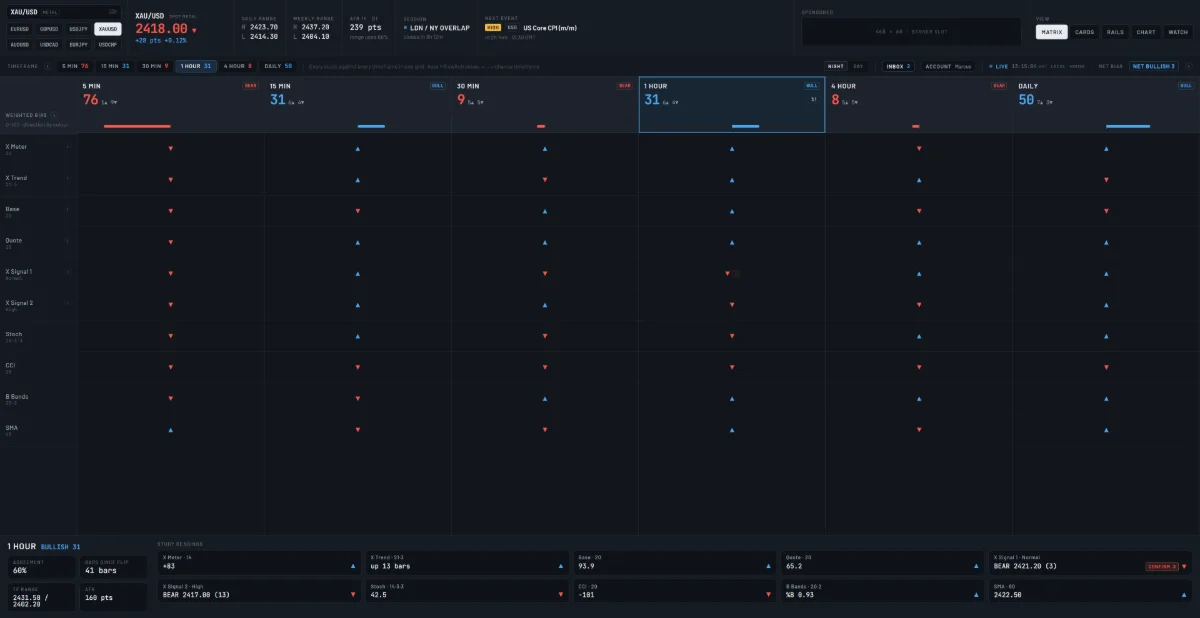
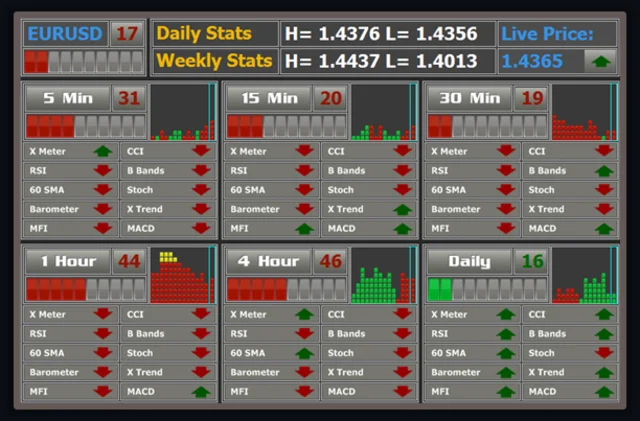
Screens age fast. A view that felt complete in 2008 can look crowded or sparse next to what traders use now. This post sets the views from 2008 beside the 4Xedge Bias Terminal as it looks today. It is a look at layout and how each one reads, not a verdict on either. Take your time with the pictures. Notice what each screen puts first, what it leaves out, and how quickly you can tell whether your timeframes agree.
How the 2008 views looked
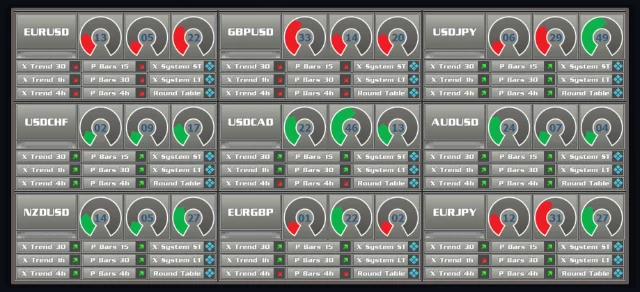
In 2008 the views looked different from what traders read today. The first image below is the old Cards view. The 2nd mage below is a first version of the Rails view. Setting the old layouts next to the new one is the quickest way to see what changed in how a trader reads a screen.
The Matrix view is a mashup of the Rails and Cards views. Keep those details in mind as you move down to the terminal as it stands now.
How the Bias Terminal reads today
Today the 4Xedge Bias Terminal asks one question: how far do your own studies agree across timeframes? The desk's default set reads M5, M15, M30, H1, H4 and D1. You can pick any 3 to 6 of 23 timeframes instead, to match how you trade. The terminal reports what the studies printed and stops there. It gives no signals, ranks no setups and grades no trades. What you do with the reading stays your call.
“It reports what the studies printed, and nothing more.”